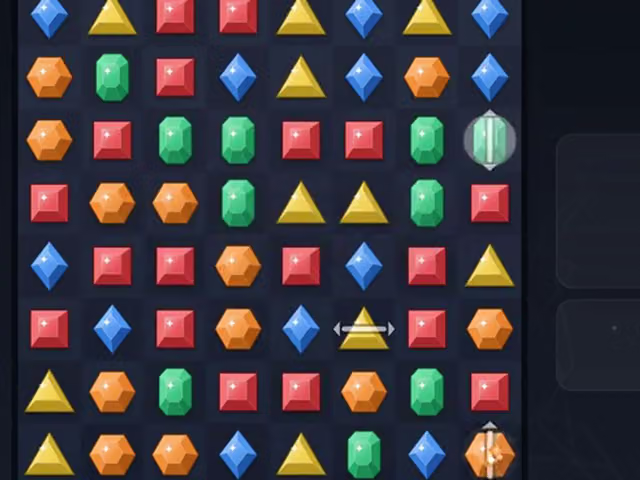
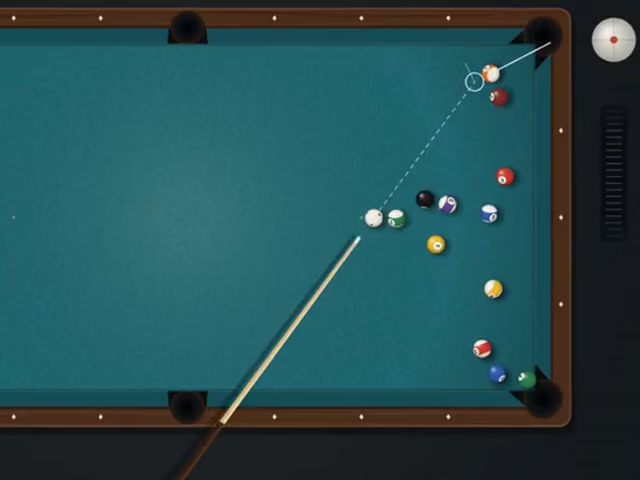
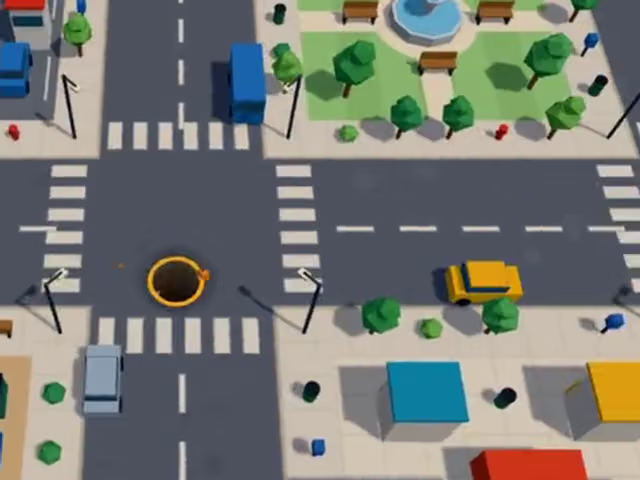
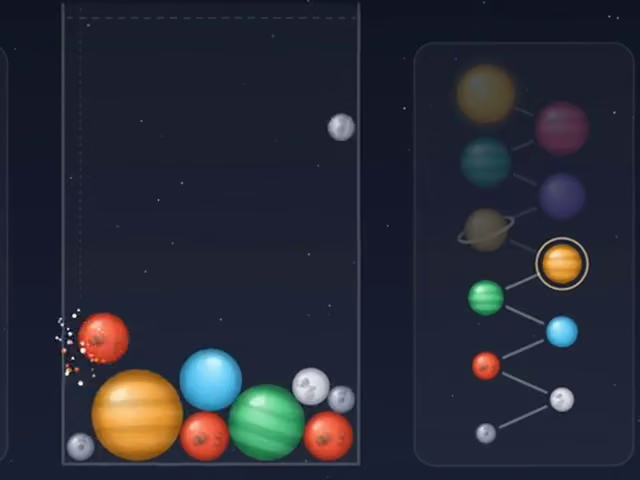

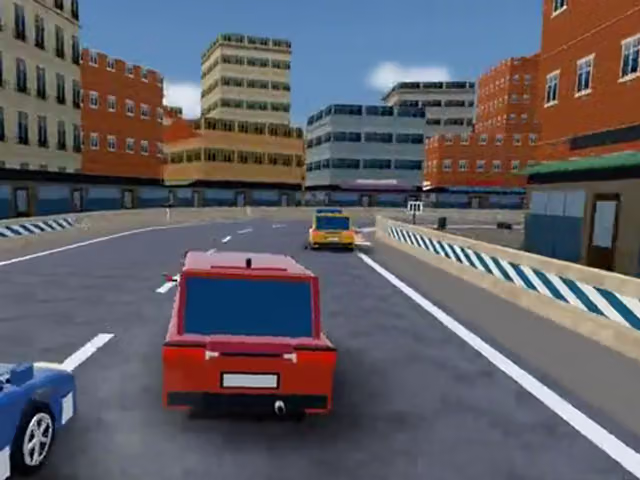
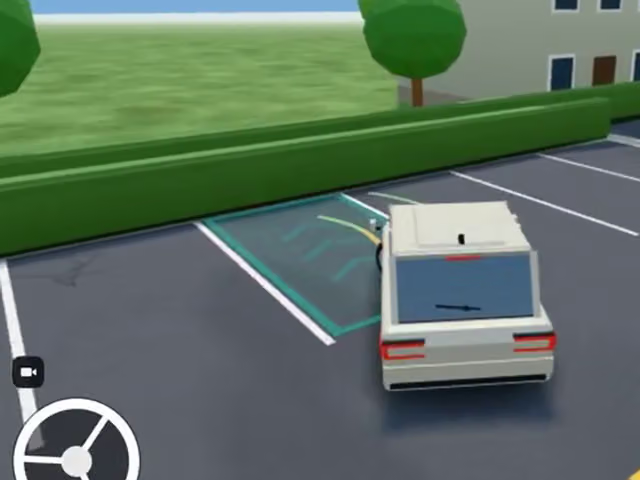
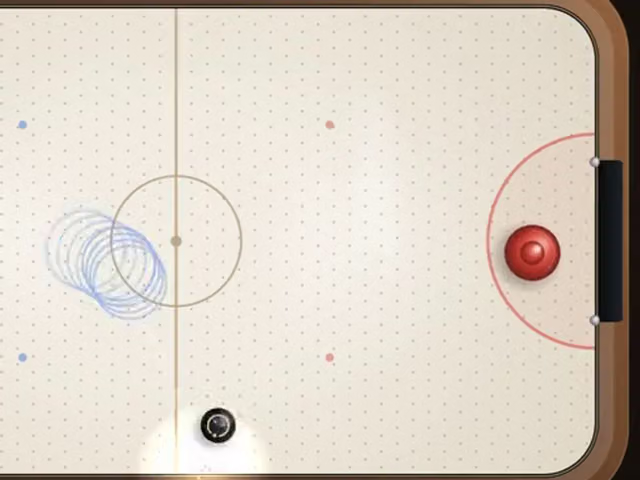
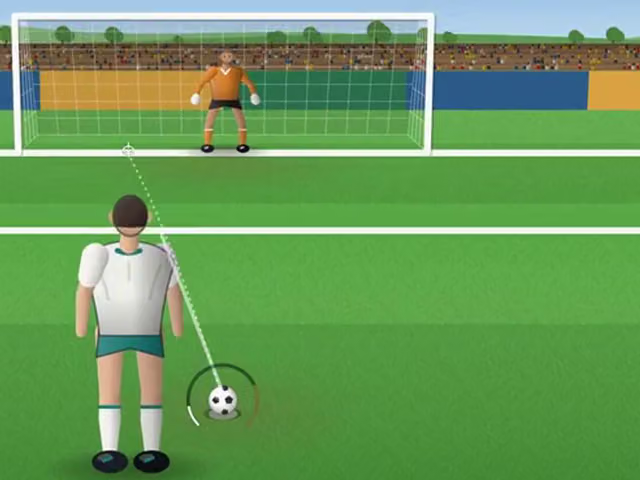

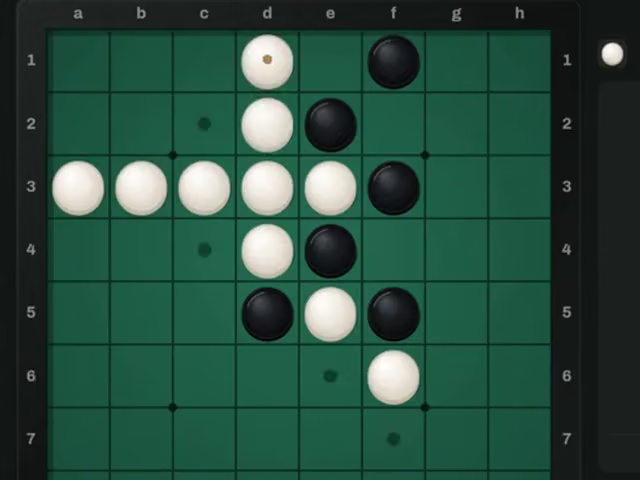
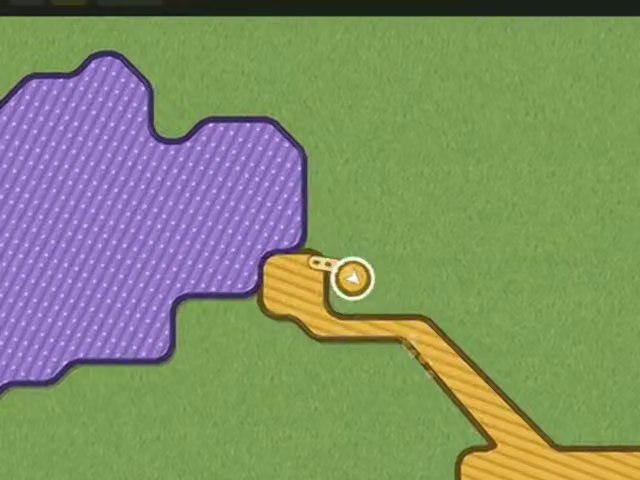
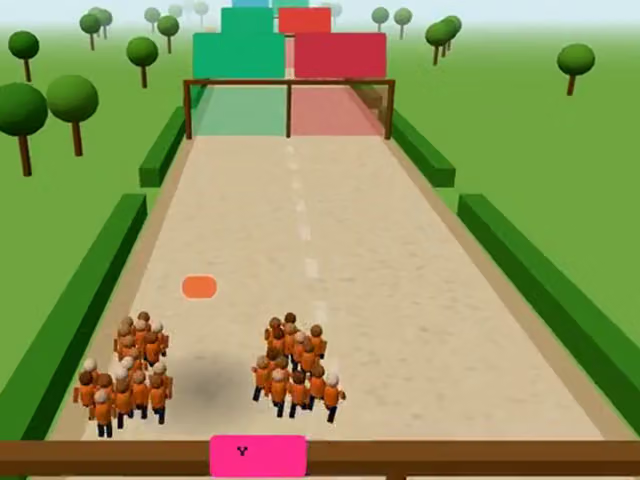
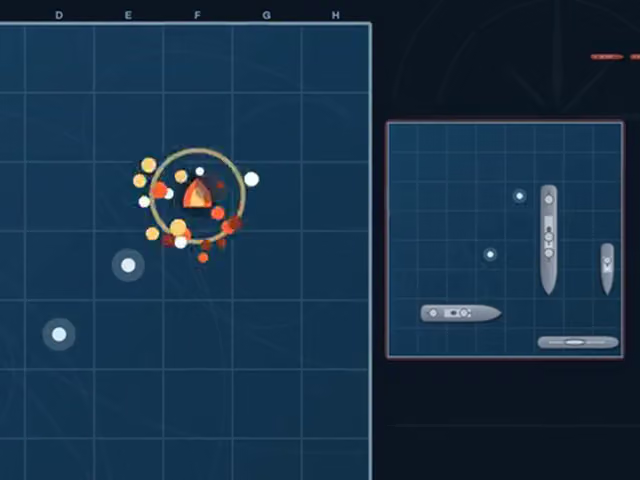

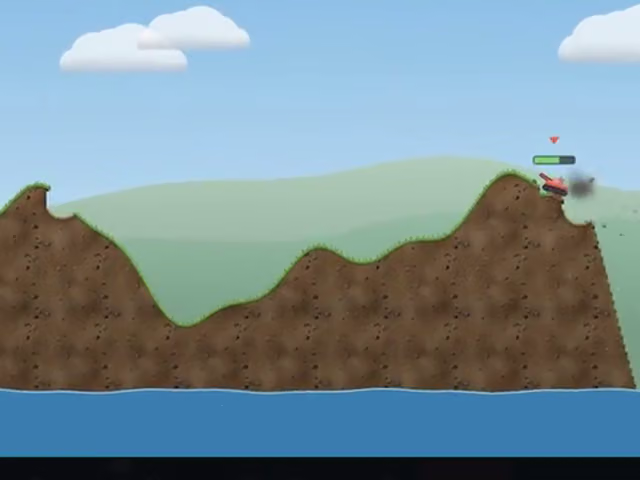
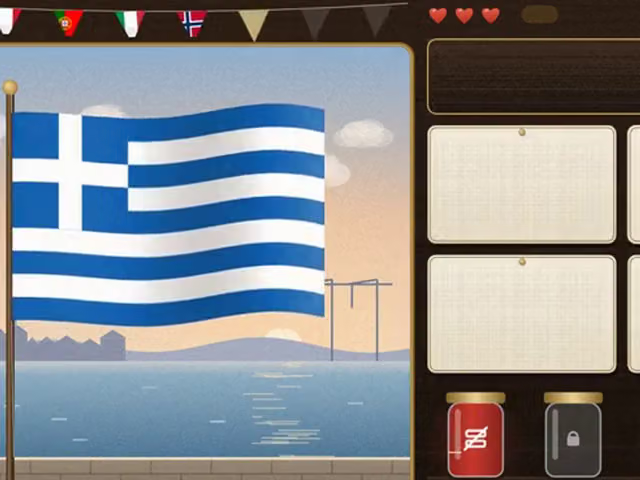
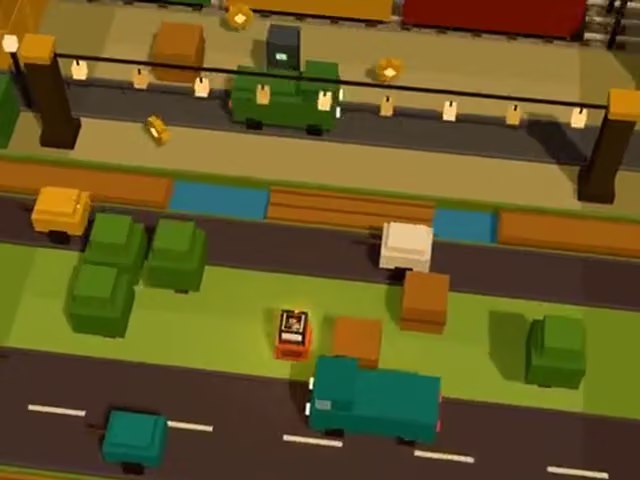
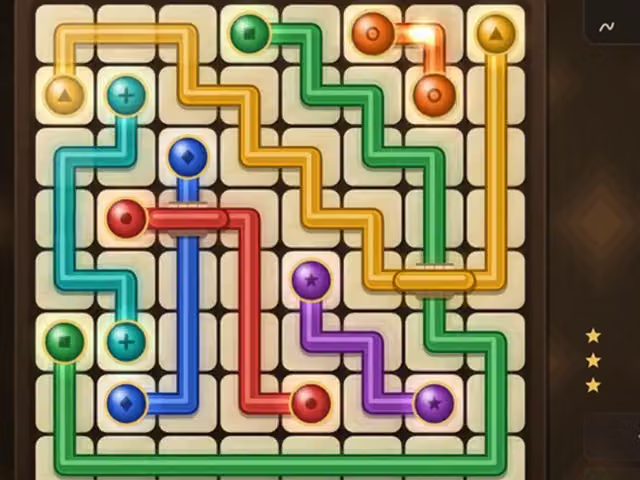
Can you play these games on a phone?
- 129games
- 20languages
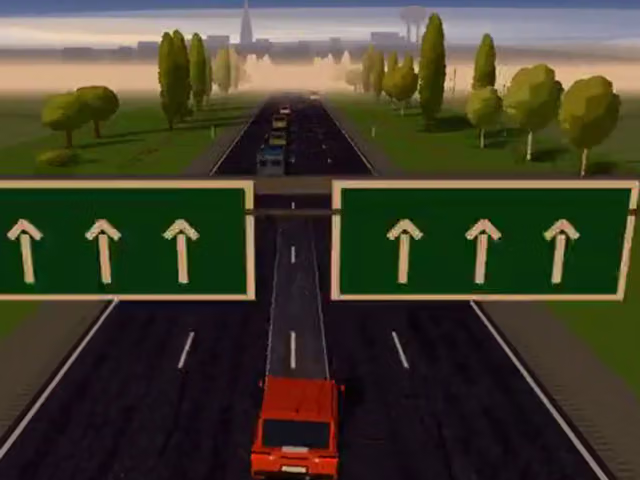
Yes. Every game here works on a touch screen and is free to play in your browser, with nothing to download. On a phone, Play opens the game full screen in the orientation it needs: a racing or action game locks to landscape, a puzzle or card game stays upright.
The site can be added to the home screen from the browser menu and then opens like an app.
Which games suit a phone best?
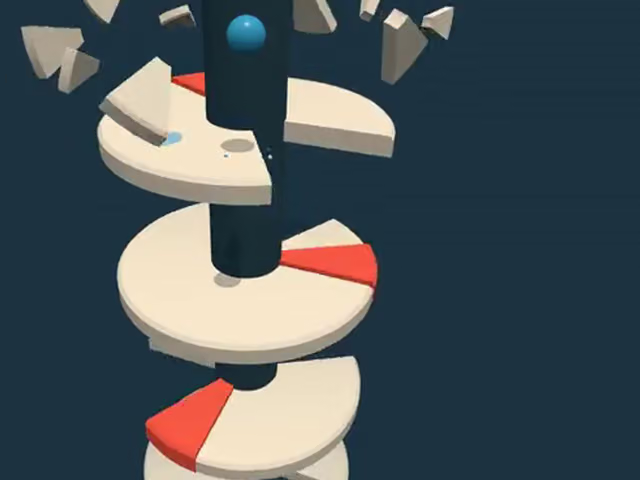
For one finger, 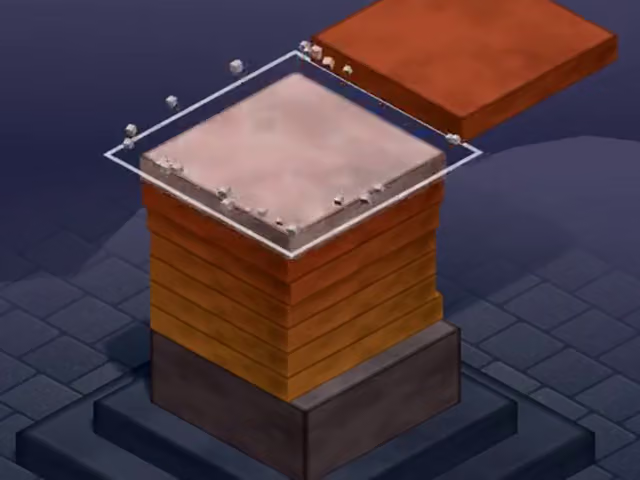 Altura Stack and
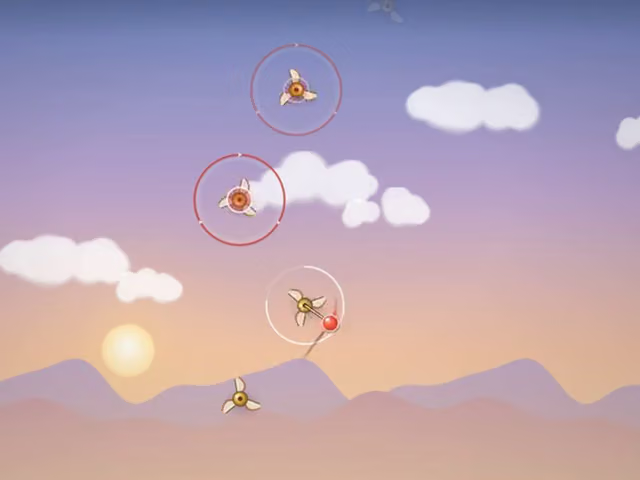 Volant Orbit Jump need only a tap.
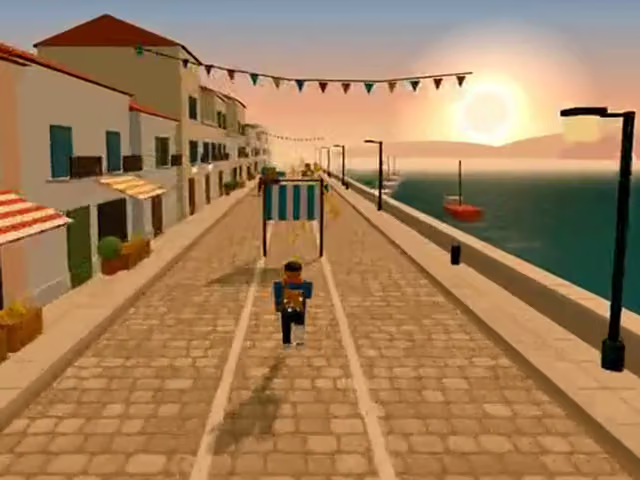 Saltway Runner and
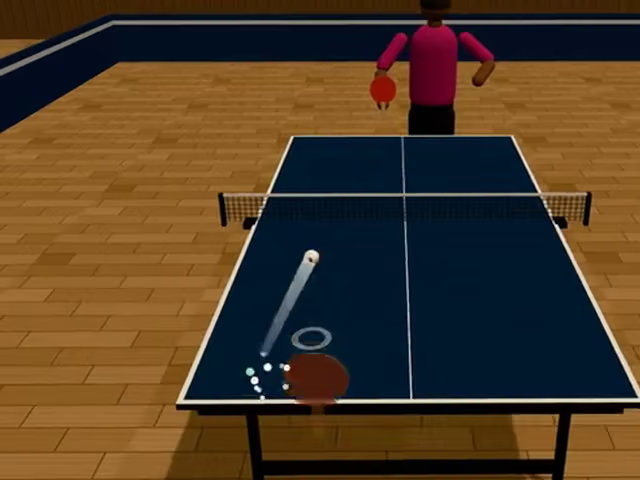 Spindle Table Tennis are swipes.
For dragging, 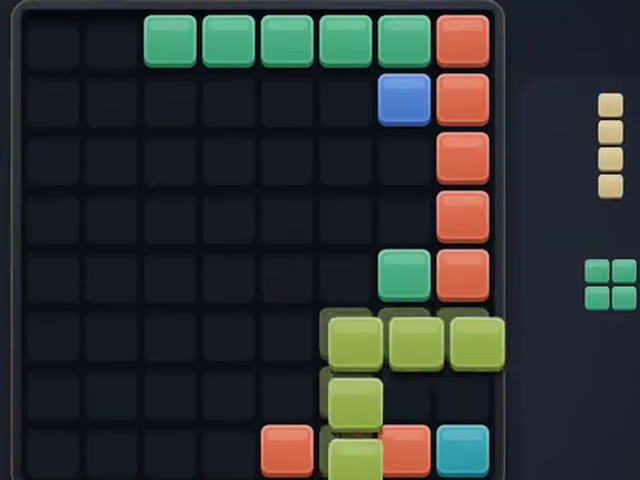 Inlay Block Puzzle drops a piece where you drag it,
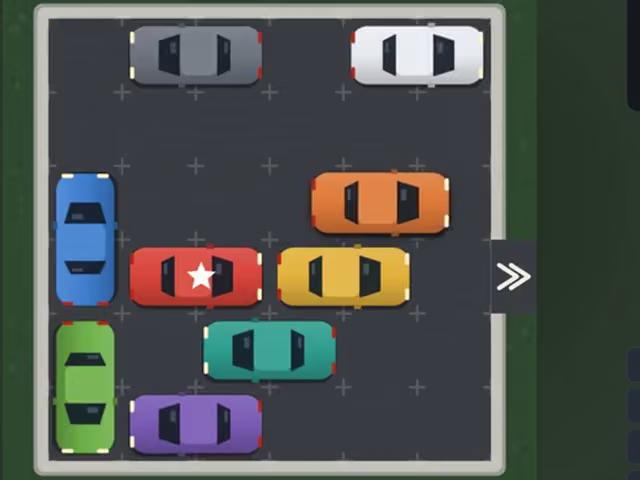 Valet Parking Jam slides cars along their lanes,
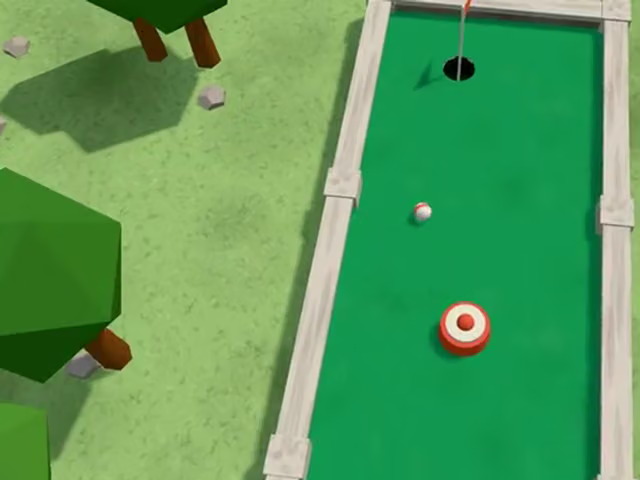 Niblick Mini Golf is drag back to aim and release to putt, and
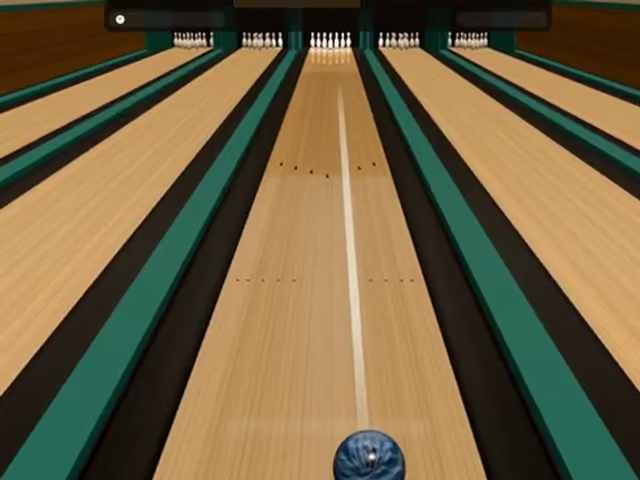 Burl Bowling is drag to bowl and bend the drag to hook.
Can a phone join a game with a friend on a computer?
Yes. In an online game, phones, tablets and computers can share one room, and each player reads the game in their own language. Press Play with a friend and send the link.
How do you keep your progress on a phone?
Records, stars and unfinished games stay in the browser you played in. To move them to another phone or a computer, create a sync code on one device and enter it on the other within 24 hours.
Frequently asked questions
Do I need to install an app?
No. The games open in the browser. If you want an icon on your home screen, add the site from the browser menu.
Do the same games work on a tablet or a computer?
Yes. Every game opens in the browser of a phone, a tablet or a computer. On a computer a game's How to play section lists its keyboard shortcuts next to the touch controls.
Does it matter which way I hold the phone?
Play opens each game in the orientation it was made for. Racing and action games ask for landscape, and puzzle and card games stay upright.